Which type of AI contest is right for you?
“AI contest” is a broad label. Knowing the category first saves you from entering something that doesn’t suit your skills or your tools.
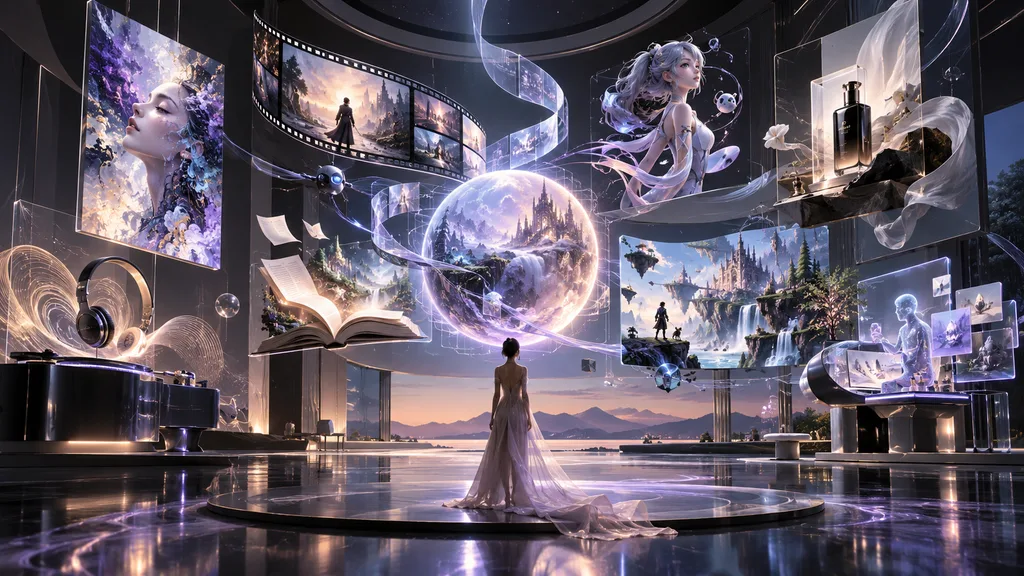
- AI Image & Art: illustration, concept art, photography-style imagery, and surreal or painterly work.
- AI Video & Film: short films, trailers, and motion pieces, often with strict runtime limits.
- AI Music & Audio: songs, soundscapes, voice work, and sound design.
- AI Design & Advertising: posters, packaging, brand campaigns, and product visuals, often judged on how well they solve a brief.
- AI Animation & 3D: character animation, motion graphics, and 3D scenes or assets.
- AI Writing & Storytelling: fiction, scripts, interactive narrative, and poetry.
- AI Games & Interactive: playable prototypes, interactive experiences, and generative worlds.
- Creative AI Applications: tools, apps, and workflows that use AI in a new way.
- Multimodal AIGC: entries that combine text, image, audio, and video into one work.
If you are new, an image contest is usually the gentlest starting point. The files are small, the workflow is familiar, and the rules are typically easier to read. You can browse what is currently open on the AIContestList contests page.
Five checks before you enter
Spend ten minutes here before you spend ten hours creating. Read the organizer’s official rules page, not a summary, a repost, or a social media caption.
1. The rules: read the whole page, including the footnotes
The important sentence is rarely in the headline. Look for:
- Whether entries can be previously published or must be brand new.
- Whether you may post your entry publicly before judging ends. Some contests judge anonymously.
- How many entries you may submit, and whether team entries are allowed.
- What the judging criteria are, and how they are weighted. A contest that scores originality highest calls for a different approach than one that scores technical polish.
- Any restrictions on subject matter, such as political content, real people, or mature themes.
2. Copyright and usage rights: know what you are handing over
This is the detail people skip most often, and the one that matters most if you win. Look for the wording around licence and ownership:
- Does the organizer take a non-exclusive licence to display your work, or do they ask for full ownership?
- Can they use your work for marketing afterwards? For how long, and in which regions?
- Do you keep the right to sell, print, or publish the piece elsewhere?
It also helps to know that copyright rules for AI-generated work differ from country to country. In some jurisdictions, work created with little human authorship may receive limited or no copyright protection. If the rights terms matter to you, read them carefully and consider getting proper legal advice.
Separately, check the terms of the AI tool you used. Free and paid plans can carry different rules for commercial use, and those terms can change over time.
3. AI eligibility: “AI allowed” does not mean “anything goes”
Organizers use very different language, and the differences are meaningful:
- AI-generated and AI-assisted are not the same thing. Some contests welcome one and reject the other.
- Some contests require you to name the tools and models you used.
- Some ask for your prompts, process files, or work-in-progress screenshots.
- Some restrict reference images, image-to-image workflows, or upscaling tools.
- Some forbid AI entirely in one category while accepting it in another.
When the wording is unclear, email the organizer and keep their reply. A written answer protects you later.
4. The deadline: check the time zone, not just the date
A deadline of “March 31” can mean very different moments depending on where you live. Look for:
- The time zone (UTC, PST, CST, or the organizer’s local time).
- Whether it is the submission deadline or the registration deadline. They are often different.
- Whether late entries are accepted, and whether extensions have been announced.
A practical habit: convert the deadline into your own time zone, then set your personal deadline 24 hours earlier. Upload servers are slowest, and Wi-Fi is least reliable, in the last hour.
5. Fees: understand what you are paying for
Many AI contests are free, and some charge an entry fee. Ask:
- Is the fee per entry or per person?
- Is it refundable if the contest is cancelled or you are disqualified?
- Are there hidden costs, such as paid tiers to unlock higher-resolution files or commercial use?
- If you win a cash prize, who covers taxes, transfer fees, or shipping?
Be cautious with any contest that asks for a large fee while being vague about judges, prizes, or the organizer’s identity.
Common reasons entries get rejected
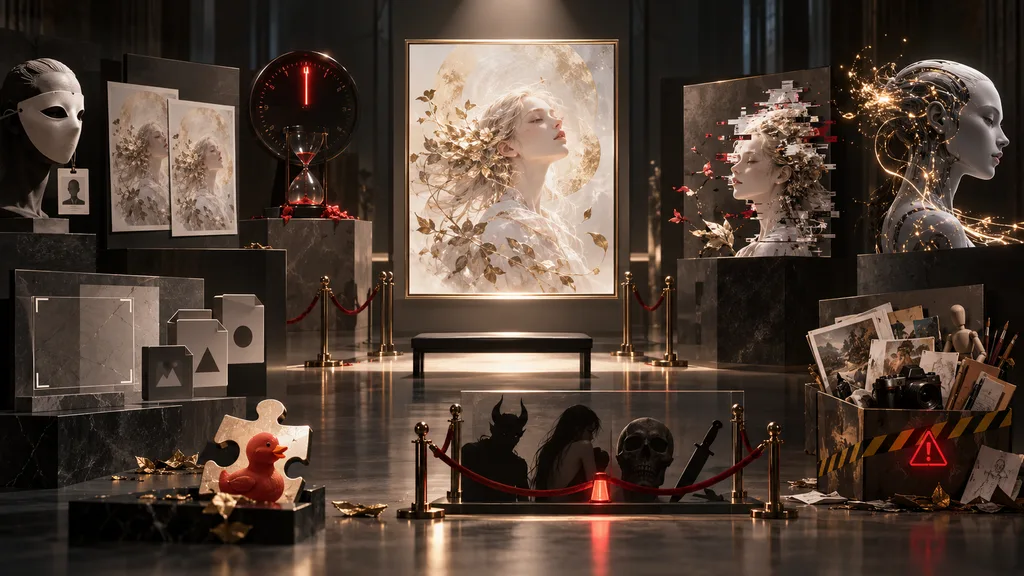
Most of these are avoidable, and none of them have anything to do with talent.
- Using material you don’t have rights to. Copyrighted characters, brand logos, celebrity likenesses, or stock images mixed into your work can disqualify it, even if the AI produced them by accident.
- Wrong file specifications. Resolution, aspect ratio, file format, file size, and colour profile are all frequently specified. A beautiful image in the wrong format may never reach a judge.
- Failing to disclose AI use. If the rules ask for disclosure and you leave it out, the problem is the omission, not the AI.
- Ignoring the theme. Judges compare your work against the brief. A stunning image that answers a different question still loses.
- Text errors inside the image. Misspelled or garbled lettering is one of the fastest ways to make a piece look careless.
- Identifying information in an anonymous contest. A visible signature, watermark, or username can break the anonymity rule.
- Duplicate or near-duplicate entries. Submitting several very similar pieces can count against you where limits apply.
- Prohibited content. Check the rules on violence, mature themes, political messaging, and real people.
- Late, incomplete, or unconfirmed submissions. A form that was saved but never submitted counts as no entry at all.
How to improve the quality of your entry
Once the checks are done, the work begins. Three areas repay your attention.
Composition
Beautiful images tend to have a clear reading order. Decide what the viewer should see first, second, and third.
- Choose one focal point and let everything else support it.
- Use negative space. Not every corner needs detail.
- Think about cropping early, because judges often see thumbnails before full-size images.
- Look at the image small, then in greyscale. If it still reads well, the composition is strong.
Prompts
A good prompt describes intent, not just objects. Specific choices of subject, lighting, lens, mood, material, and era usually outperform long lists of adjectives. Keep a record of what you tried, because iteration is where quality comes from, and because some contests ask you to show your process.
For examples and inspiration, browse the AIContestList Prompt Library. Study the structure of a prompt rather than copying it. Results vary between models, versions, and runs, so treat every prompt as a starting point.
Post-production
The gap between “generated” and “finished” is often a few careful edits.
- Correct distorted hands, edges, and small artifacts.
- Adjust contrast, colour balance, and sharpening, subtly.
- Fix or remove any text that isn’t perfect.
- Upscale only if the rules allow it, and export at the required specification.
The strongest entries usually feel decided: every element is there on purpose.
Your pre-submission checklist
- I read the official rules page in full, and saved a copy or screenshot.
- My work fits the theme and category.
- I understand the licence and usage rights I am granting.
- AI use is allowed, and I have disclosed it in the way the rules ask.
- I have the right to use every element in the piece: no protected characters, logos, or likenesses.
- The file meets the required format, resolution, aspect ratio, and size.
- The filename is clean and follows any naming rules (no spaces or special characters unless permitted).
- There is no watermark, signature, or personal detail if the contest is anonymous.
- Any text in the image has been proofread.
- The title and description are written, accurate, and free of typos.
- I confirmed the deadline in my own time zone and am submitting at least a day early.
- I have saved my prompts, drafts, and process files.
- After submitting, I received a confirmation email (and checked my spam folder), and I saved a screenshot.
- Ready to put the checklist to work? See what is open right now on the AIContestList contests page, and confirm every detail with the organizer before you enter.
Frequently Asked Questions
Can I enter an AI art contest if I have never made AI art before?
Yes. Many contests welcome beginners, and some are designed for them. Start with a category that matches your skills, read the rules carefully, and spend time learning one tool well rather than several tools badly.
Do I have to disclose that I used AI?
It depends on the contest. Many organizers require you to state that AI was used, and some ask which tools or models. Follow the rules exactly. When in doubt, disclose, and ask the organizer if the wording is unclear.
Who owns the copyright to my AI-generated artwork?
It varies by country and by the tool you used, and the rules are still developing. Beyond that, the contest’s own terms decide what rights you give the organizer. Read the licence section carefully before entering, and seek legal advice if the rights matter to you.
Can I use a prompt I found online?
Often yes, but check the tool’s terms and the contest’s rules. Prompts are best used as inspiration, and your own adjustments will make the work more original. Remember that the same prompt can give very different results across models, versions, and runs.
Can I edit my AI image before submitting it?
In most contests, yes, and it is often encouraged. Some contests limit certain edits, such as upscaling or compositing, so check the rules first.
What file specifications should I look for?
Look for the required format (such as JPG or PNG), minimum resolution, aspect ratio, maximum file size, and colour profile. Where the rules are unclear, a high-resolution export in a common format is a reasonable starting point, but confirm with the organizer.
How do I tell whether a contest is legitimate?
Look for a named organizer with an official website, clear rules, transparent judging, and specific prizes. Be cautious about large entry fees, vague terms, pressure to enter quickly, or rights clauses that give away more than seems reasonable. AIContestList shows when each listing was last verified, but you should always confirm details on the official page.
What should I do if I miss a deadline?
Check the official page for extensions, then contact the organizer politely. Do not count on an exception. Use the missed deadline as a reason to set your personal deadline a day earlier next time.